What Is an IT Vending Machine and How Does It Work?
IT support is becoming faster, more distributed, and increasingly self-service. Gartner forecast worldwide IT spending at $5.74 trillion in 2025, highlighting continued investment in digital infrastructure and operational efficiency. Within this environment, an it vending machine offers a practical bridge between automation and physical workplace support. It resembles a secure locker or compact retail cabinet. Employees can collect approved equipment, such as keyboards, headsets, chargers, mice, or replacement laptops, without waiting for a technician.
The process is controlled through identity verification, inventory software, and service-management integration. A user scans a badge or enters a support code. The system confirms authorization, unlocks a compartment, and records the transaction. Stock levels then update automatically. This creates a visible audit trail for IT teams. It also reduces routine ticket volume. A 2024 HDI report on support operations reinforces the value of efficient, well-designed self-service experiences, although success depends on user adoption and process quality. Convenience alone is not enough.
A well-managed machine can shorten equipment handovers from hours to minutes. It can also support remote offices with limited technical staff. However, the model is not flawless. Poorly configured access rules may create security risks. Unclear return procedures can produce missing assets. Gartner’s research on digital workplace services repeatedly emphasizes the importance of employee experience, governance, and reliable support design. These principles matter here. An it vending machine should therefore be treated as part of an integrated IT service, not as a standalone cabinet. The following sections explain its components, workflow, benefits, limitations, and best-use scenarios.
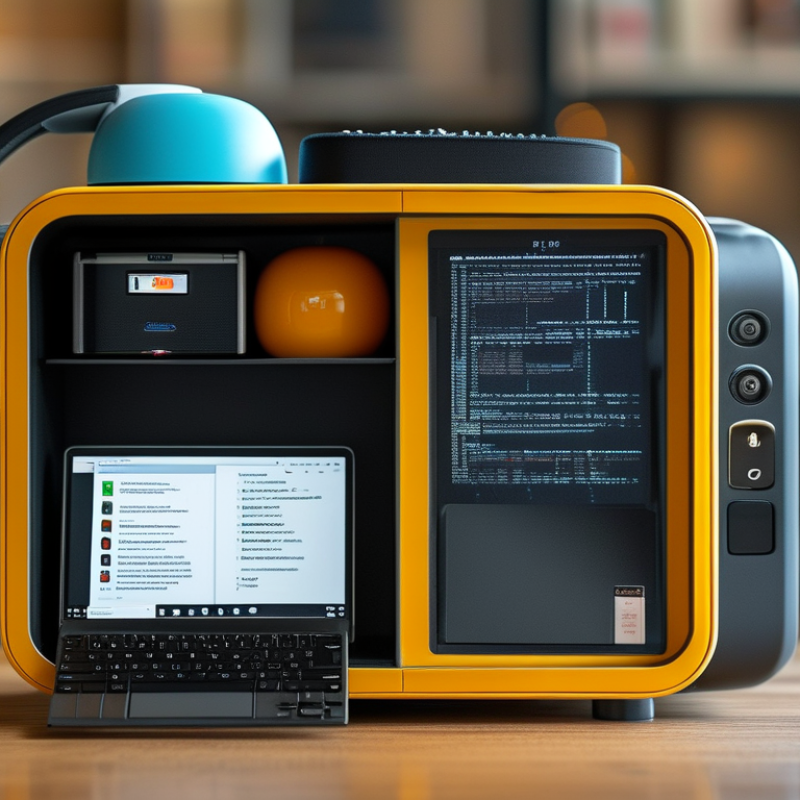
Why IT Vending Matters: Gartner Forecast $5.26T Global IT Spend in 2024
What Is an IT Vending Machine and How Does It Work?
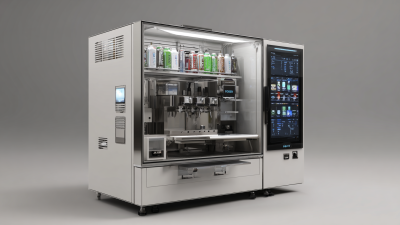
An IT vending machine is a controlled cabinet for distributing approved technology items. Staff can retrieve keyboards, chargers, cables, headsets, or replacement devices after identity verification. The system records each transaction automatically. It may also check stock levels and notify support teams when supplies run low. In practice, this can reduce waiting time for simple equipment requests. A technician can focus on complex incidents instead of searching for a spare cable.
This matters more as global technology investment expands. Gartner forecast global IT spending at $5.26 trillion in 2024. That figure signals strong demand for hardware, software, services, and digital infrastructure. It also highlights a management problem: spending more does not guarantee better access or control. Vending systems can support accountability by linking each item to a user, department, and time. However, they are not always cheaper. Poor item selection, weak maintenance, or inaccurate inventory data can create new waste. A failed scan at 8 a.m. can still frustrate an employee.
Tips: Start with high-demand, low-risk items. Review usage data every month. Keep emergency access procedures clear. Test identity checks and refill alerts regularly. Avoid storing equipment that requires complex setup without human support. The numbers may look efficient, but real experience should guide expansion. Percentage savings can be overstated when service quality is ignored.
What It Contains: Secure Lockers, Scanners, and IT Asset Management Software
What Is an IT Vending Machine and How Does It Work?
An IT vending machine is a controlled station for issuing workplace technology. It usually contains secure lockers, barcode or QR scanners, and IT asset management software. Employees authenticate with a badge or approved code. The system then opens the assigned locker. A laptop, headset, or replacement mouse waits inside.
Scanners record each item’s serial number, condition, and checkout time. The software connects this information with an employee record and inventory database. When a device returns, the user scans it again and places it in a designated compartment. Managers can view stock levels, overdue equipment, and repeated replacement requests. In practice, this reduces manual spreadsheets and unclear handovers. Still, a scanner can misread a damaged label. Human checks remain necessary.
Tips: Photograph device condition before checkout. Keep spare chargers in labeled compartments. Test emergency access procedures monthly. Review access logs for unusual patterns. Do not store equipment that requires special handling without suitable controls. A simple locker layout often works better than a crowded one. This detail is easy to underestimate.
Good software should support audit trails, permission settings, maintenance notes, and automatic notifications. It should also protect personal information through limited access and secure data handling. A reliable process includes staff training and a clear way to report faults. Convenience matters, but accountability matters more.
Step 1—Request and Approval: Identity Assurance Under NIST SP 800-63B
An IT vending machine is a secured cabinet that dispenses approved devices, cables, or accessories. Step 1 begins before anyone opens its door: request and approval. The employee submits a specific item request, business reason, and delivery location. The system then checks the requester’s identity and permissions. A weak approval process can make a secure cabinet meaningless.
NIST SP 800-63B focuses on authentication assurance levels, not identity proofing alone. Identity proofing is addressed mainly in NIST SP 800-63A. This distinction matters. The vending platform should select an appropriate authentication level for each request. A low-risk cable may need basic authentication, while a managed laptop may require stronger controls. Multi-factor authentication can combine a password with a hardware key or approved mobile authenticator. Each factor should be linked to the correct user account.
The approval record should show who requested the item, who approved it, and when authentication occurred. The cabinet can release equipment only after these checks succeed. It should also log failed attempts, expired approvals, and repeated requests. Keep the process understandable. Overly strict controls may delay urgent work and encourage unsafe workarounds. That is a real weakness. Teams should review exceptions regularly, remove inactive accounts, and test recovery procedures. Human review still matters when a request looks unusual, even when every automated check passes.
Step 2—Dispense and Track: ISO/IEC 19770-1 Asset-Lifecycle Records
An IT vending machine is a controlled cabinet for issuing workplace technology. It may hold laptops, monitors, keyboards, or approved accessories. After an authorized employee verifies their identity, the system checks eligibility and stock. The correct compartment unlocks, while the transaction receives a timestamp. No guesswork here.
Step 2 begins when the item leaves the machine. For each issue, return, replacement, or transfer, the system should create an asset-lifecycle record. An ISO/IEC 19770-1 aligned record can document the asset identifier, serial number, custodian, location, status, and transaction time. Typical fields include the request reference and approving role. A service desk can then connect the physical movement with the employee’s service history. This chain helps technicians confirm ownership during support, audits, and recovery activities.
In practice, reliable tracking depends on disciplined data capture. The machine can scan a barcode, but staff should verify the label before closing the transaction. If a device is damaged or returned without its charger, that exception should remain visible in the record. Hiding it creates a cleaner report but a weaker control. Reviewers can compare machine logs with inventory records and investigate gaps. The record may still contain human errors. A missing scan can distort the asset’s entire history. That is why periodic checks and clear correction procedures matter.
Step 3—Return and Audit: 24/7 Inventory Control and Service Metrics
Step 3—Return and Audit: 24/7 Inventory Control and Service Metrics
An IT vending machine becomes valuable after equipment leaves it. When a worker returns a laptop, headset, or adapter, the machine records the item’s time, location, and identity. A scanner reads the asset tag within seconds. The compartment then checks its expected contents. If the return fails, the system flags it for review instead of forcing a false match.
A technician can inspect the item through a secure audit screen. The record may show a cracked screen, missing charger, low battery, or unusual return delay. Clear photos and serial numbers strengthen the audit trail. Managers can track stock levels, return rates, damaged items, and average service time. These metrics reveal whether popular equipment needs faster replenishment. They also expose repeated delays at specific locations.
The process is not perfect. Dust, damaged labels, or rushed users can create scanning errors. I have seen inventory reports look accurate until a manual shelf check found two misplaced adapters. Regular spot checks remain necessary. Staff should compare digital records with physical counts, especially after maintenance. Access logs should also be reviewed for unusual activity. Good control is not just automation. It is automation tested by people, with every exception documented and corrected.
What Is an IT Vending Machine and How Does It Work? - Step 3—Return and Audit: 24/7 Inventory Control and Service Metrics
24/7 return, inventory, compliance, and service-performance audit dashboard
Return Completion Rate
96.8%
Average Return Time
42 min
| Audit Date |
Machine Zone |
Assets Issued |
Assets Returned |
Return Rate |
Inventory Accuracy |
Avg. Return Time |
Unreturned Items |
Audit Exceptions |
Machine Uptime |
Service Status |
| 2026-08-25 |
North Wing |
126 |
123 |
97.6% |
99.4% |
38 min |
3 |
2 |
99.9% |
Operational |
| 2026-08-26 |
South Wing |
148 |
140 |
94.6% |
98.7% |
51 min |
8 |
5 |
99.6% |
Review Required |
| 2026-08-27 |
Service Desk |
92 |
90 |
97.8% |
99.5% |
34 min |
2 |
1 |
100.0% |
Operational |
| 2026-08-28 |
East Wing |
117 |
114 |
97.4% |
99.0% |
43 min |
3 |
3 |
99.8% |
Operational |
| 2026-08-29 |
West Wing |
135 |
128 |
94.8% |
98.3% |
49 min |
7 |
4 |
99.4% |
Review Required |
| 2026-08-30 |
North Wing |
119 |
116 |
97.5% |
99.2% |
39 min |
3 |
2 |
99.9% |
Operational |
| 2026-08-31 |
Central Hub |
164 |
160 |
97.6% |
99.6% |
37 min |
4 |
1 |
100.0% |
Operational |
Audit logic:
Return Rate = Assets Returned ÷ Assets Issued. Inventory Accuracy compares recorded stock with the physical count. Audit exceptions include missing, damaged, overdue, or incorrectly recorded assets requiring follow-up.